A CSS polygon mesh library. A 3D engine for the DOM. Renders OBJ/MTL, GLB and VOX as real HTML elements transformed with CSS matrix3d(...). Supports colors, textures, lighting, shadows, shapes and animations. Works with React, Vue or plain JavaScript.
Visit polycss.com for docs and model examples.

# Vanilla
npm install @layoutit/polycss

# React
npm install @layoutit/polycss-react

# Vue
npm install @layoutit/polycss-vue
You can also load PolyCSS directly from a CDN. Here is a minimal custom-element scene:
<script type="module" src="https://esm.sh/@layoutit/polycss/elements"></script>

<poly-camera rot-x="65" rot-y="45">
  <poly-scene>
    <poly-orbit-controls drag wheel></poly-orbit-controls>
    <poly-box size="100" color="#ffd166"></poly-box>
  </poly-scene>
</poly-camera>
React and Vue expose the same component model. <PolyCamera> owns the viewpoint, <PolyScene> owns lighting and atlas options, and <PolyMesh> loads or receives polygon data.
import { PolyCamera, PolyScene, PolyOrbitControls, PolyMesh } from "@layoutit/polycss-react";

export default function App() {
  return (
    <PolyCamera rotX={65} rotY={45}>
      <PolyScene textureLighting="dynamic">
        <PolyOrbitControls drag wheel />
        <PolyMesh src="/gallery/obj/cottage.obj" mtl="/gallery/obj/cottage.mtl" />
      </PolyScene>
    </PolyCamera>
  );
}rotX,rotYcontrol the orbit angle in degrees.zoomscales the projected scene.targetpans the camera target in world coordinates.distanceadds dolly pull-back.PolyCamerais the orthographic default. UsePolyPerspectiveCamerawhen you want perspective depth.
polygonsrenders a staticPolygon[]directly.directionalLightandambientLightcontrol scene lighting.textureLightingchooses"baked"or"dynamic".textureQualitycontrols atlas raster budget.- Solid seam bleed is automatic on detected shared solid edges.
strategiescan disable selected render strategies for diagnostics.autoCenterrotates around the rendered mesh bounds instead of world origin.
srcloads.obj,.gltf,.glb, or.voxfiles.mtlloads companion OBJ materials.polygonsaccepts pre-parsed geometry.position,scale, androtationtransform the mesh wrapper.autoCentershifts the mesh bbox center to local origin.meshResolutionchooses"lossy"(default) or"lossless"optimization.castShadowemits CSS-projected shadows in dynamic lighting mode.
<PolyOrbitControls>adds drag orbit, shift-drag pan, wheel zoom, and optional auto-rotate.<PolyMapControls>uses pan-first map-style input.<PolyFirstPersonControls>provides keyboard and pointer-look navigation.<PolyTransformControls>adds translate/rotate gizmos for selected mesh handles.
The vanilla package exports exportPolySceneSnapshot(target). It clones the current rendered .polycss-camera / .polycss-scene DOM, injects only the PolyCSS CSS needed by that snapshot, inlines CSS url(...) image assets as data:image/...;base64,..., strips scripts and inline event handlers, and returns a standalone HTML document string with no PolyCSS runtime import. It works with rendered React/Vue scenes too; import it from @layoutit/polycss and pass the rendered camera or scene element.
import { exportPolySceneSnapshot } from "@layoutit/polycss";

const html = await exportPolySceneSnapshot(scene.host);
If any referenced asset cannot be inlined, the function throws PolySceneSnapshotError with code: "ASSET_INLINE_FAILED".
Each polygon describes one renderable face:
const polygons = [
  {
    vertices: [[0, 0, 0], [60, 0, 0], [0, 60, 0]],
    color: "#f97316",
  },
  {
    vertices: [[0, 0, 0], [60, 0, 0], [60, 60, 0], [0, 60, 0]],
    texture: "/texture.png",
    uvs: [[0, 0], [1, 0], [1, 1], [0, 1]],
  },
];
Render polygons directly when you need per-face DOM events or custom styling:
<PolyCamera>
  <PolyScene>
    {polygons.map((polygon, index) => (
      <Poly
        key={index}
        {...polygon}
        onClick={() => console.log("clicked polygon", index)}
        className="my-polygon"
      />
    ))}
  </PolyScene>
</PolyCamera>Use loadMesh() to parse supported model formats:
import { createPolyCamera, createPolyScene, loadMesh } from "@layoutit/polycss";

const host = document.getElementById("polycss")!;
const camera = createPolyCamera({ rotX: 65, rotY: 45 });
const scene = createPolyScene(host, { camera });

const mesh = await loadMesh("https://polycss.com/gallery/obj/cottage.obj", {
  mtlUrl: "https://polycss.com/gallery/obj/cottage.mtl",
});

scene.add(mesh);
Supported formats:
- OBJ + MTL, including
map_Kdtextures and UV coordinates. - glTF / GLB, including embedded images and
TEXCOORD_0. - MagicaVoxel
.vox, with direct voxel fast paths when eligible. - Generated primitives: box, plane, ring, sphere, torus, cylinder, cone, and Platonic solids.
PolyCSS renders through the DOM, so performance is mostly shaped by two things: the number of mounted leaves, and the amount of texture atlas area the browser has to paint. The renderer tries to keep the common cases cheap. Simple surfaces stay as solid CSS elements, while textured, irregular, or high-detail geometry falls back to atlas-backed slices only when needed.
Each visible polygon is emitted as one leaf element; the renderer chooses the least expensive CSS primitive that can represent the polygon, then uses matrix3d(...) to place that primitive in 3D space.
<b>usesbackground: currentColoron a fixed box for solid rectangles and stable quads.<u>usescorner-shapefor stable triangles and beveled-corner solids, with aborder-widthtriangle fallback when needed.<i>clips solid polygons withborder-shape: polygon(...)when the browser supports it.<s>maps a packed texture-atlas slice withbackground-image, and is the fallback for textured or unsupported shapes.
| Package | Description |
|---|---|
@layoutit/polycss-core |
Pure math, parsers, lighting, camera helpers, mesh optimization. Zero browser globals. |
@layoutit/polycss |
Vanilla custom elements and imperative createPolyScene API. |
@layoutit/polycss-react |
React components, hooks, controls, and core re-exports. |
@layoutit/polycss-vue |
Vue 3 components, composables, controls, and core re-exports. |
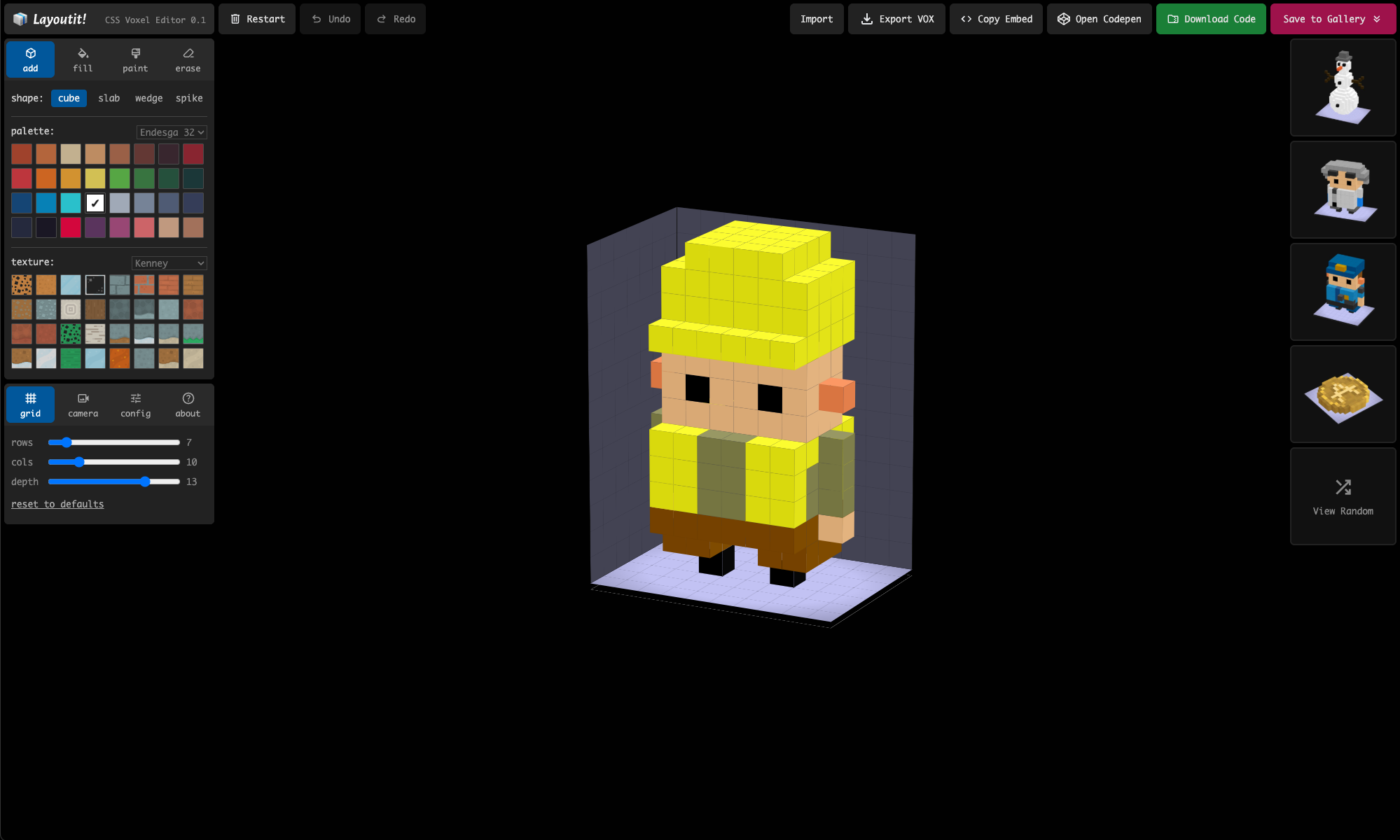
Layoutit Voxels -> A CSS Voxel editor
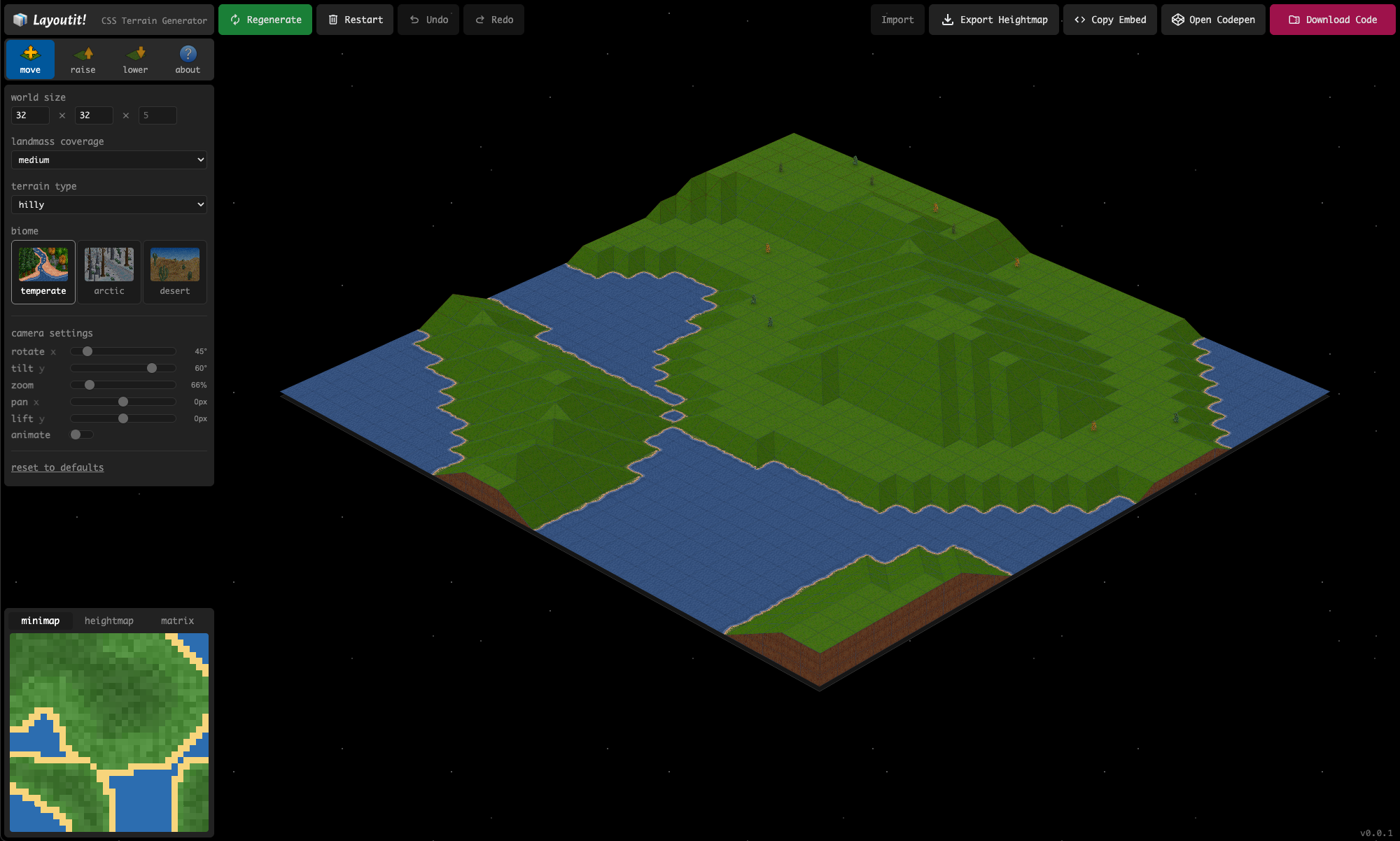
Layoutit Terra -> A CSS Terrain Generator
MIT.