Design an Interactive Button #150

Description

🚀 Welcome Contributors!
Your task is to create a high-fidelity Interactive Button featuring a sophisticated hover animation and layout transition, following the method shown in the provided tutorial.
The Design & Behavior:

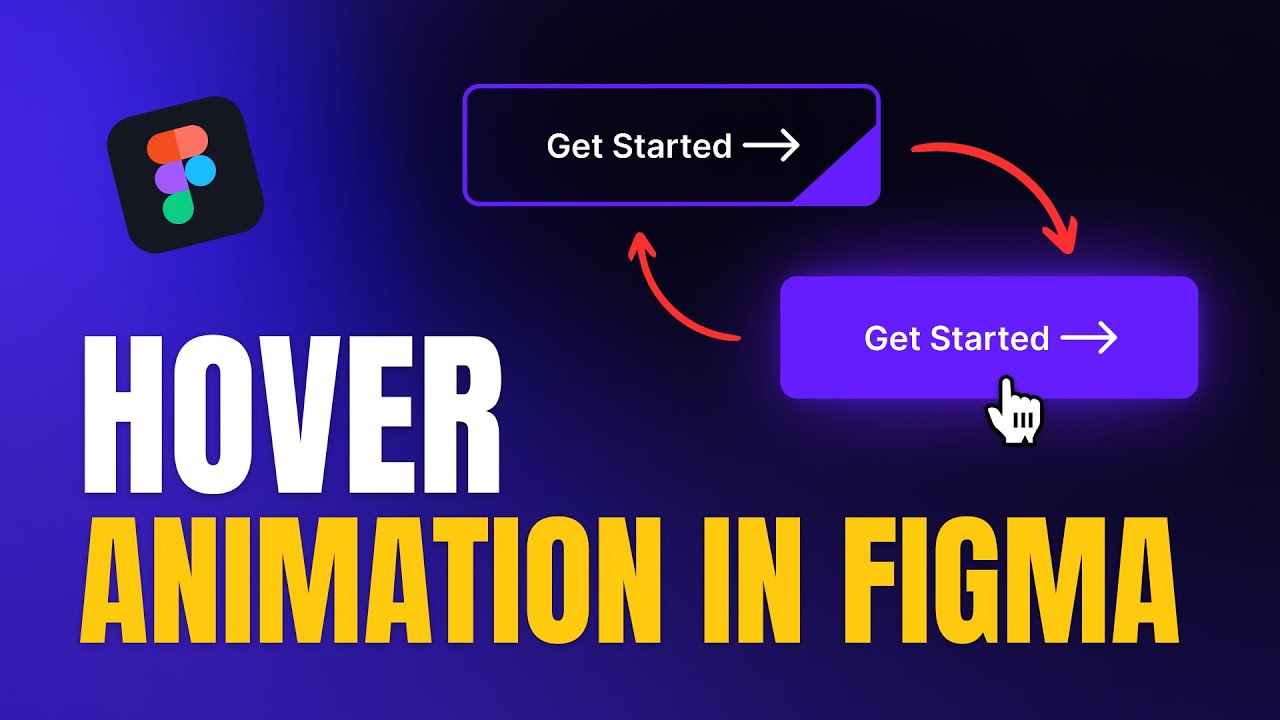
- Visual: A modern, dark-themed button (e.g., "view all posts") with a distinct border, an arrow icon, and a unique geometric accent in the corner.
- States:
- Default: The button shows the text and arrow with a thin border and a small colored tab in the bottom-right corner.
- Hover: The button undergoes a complex transition where the background fills, the text color shifts, and the corner accent expands or transforms.
- Active/Pressed: A subtle press effect to provide tactile feedback to the user.
-
Interaction:
-
Use Interactive Components to switch between variants seamlessly.
-
Apply Smart Animate with precise timing (e.g., 300–500ms) to ensure the fill and icon movements feel premium.
-
Utilize Auto Layout within the component to maintain perfect spacing as elements move or scale.
-
Feel: Create a polished, "game-like" UI feel where the button reacts dynamically to the user's presence, enhancing the overall micro-interaction experience.
📚 Learning Resources (How to do this)
Below is the YouTube video which explains the step-by-step process for creating this interactive button:
📝 Submission Guidelines
To successfully merge your contribution, please follow these rules strictly:
- The Folder: Navigate to the folder named:
7-interactive-button - The File: Create a new text file named
<your-github-username>.txt. - The Content: The file must contain your Figma link in the following format:
Figma link - <your-live-figma-link> - Permissions: Ensure your Figma link permissions are set to "Anyone with the link can view" so the maintainers can review your work.
Example of how johndoe.txt should look:
Figma link - https://www.figma.com/file/xxxxxxxxxxxxxxxxxxxxxxxx
Directory Structure Example:
Repo Root
└── 7-interactive-button/
    └── <your-github-username>.txt
Happy Prototyping! 💫