
The development and support of Librera is frozen for an unpredictable time, there is a big war in my country Ukraine. Russian invasion of Ukraine
🇺🇦 To help Ukraine, please donate to these funds 💙💛
OFFICIAL FUNDRAISING PLATFORM OF UKRAINE
Повернись Живим - Come Back Alive
Фонд Сергія Стерненка - Foundation Sternenko Community
Фонд Сергія Притули - Serhiy Prytula Charity Foundation
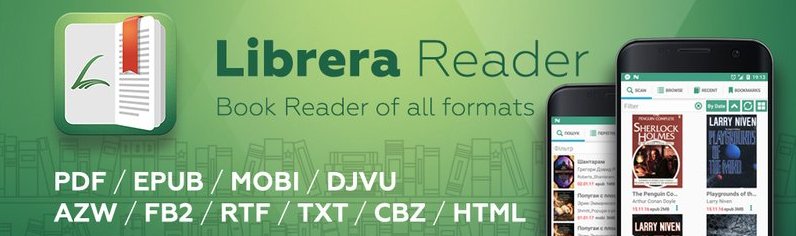
Librera Reader is an e-book reader for Android devices; it supports the following formats: PDF, EPUB, EPUB3, MOBI, DjVu, FB2, TXT, RTF, AZW, AZW3, HTML, CBZ, CBR, DOC, DOCX, and OPDS Catalogs
This fork adds optional reader controls while retaining Librera's default behavior:
- A Preferences checkbox that shows the configured-dictionary action in the text-selection dialog without automatically opening it.
- Status-bar checkboxes that scope the interactive seek bar to the current chapter/section or, through its nested option, the current module/part. The display-only progress bar remains whole-book progress.
- Optional previous/next chapter arrows beside the seek bar.
- Chapter and whole-book reading-time estimates based on actual remaining words, with configurable reading speed in words per minute. Four independent checkboxes control chapter and book estimates separately in expanded reader controls and in the status bar, allowing every content-and-location combination. EPUB estimates use spine/XHTML text rather than scanning reflowed layout pages; fixed-layout documents use direct native text-word counts rather than HTML serialization.
- PDF chapter boundaries display a valid zero-minute estimate instead of an unavailable error. EPUB position matching retries transiently unavailable reflowed-page text and does not cache empty page anchors. Book time is bounded by the final rendered EPUB page so duplicated or non-rendered trailing spine content is not counted.
The repeatable remote build runs unit tests, builds MuPDF native libraries, and assembles a signed F-Droid release APK:
modal run tools/modal_build.py
Web browser Librera Book Reader
https://librera.mobi/online-book-reader/?file=https://pdfobject.com/pdf/sample.pdf
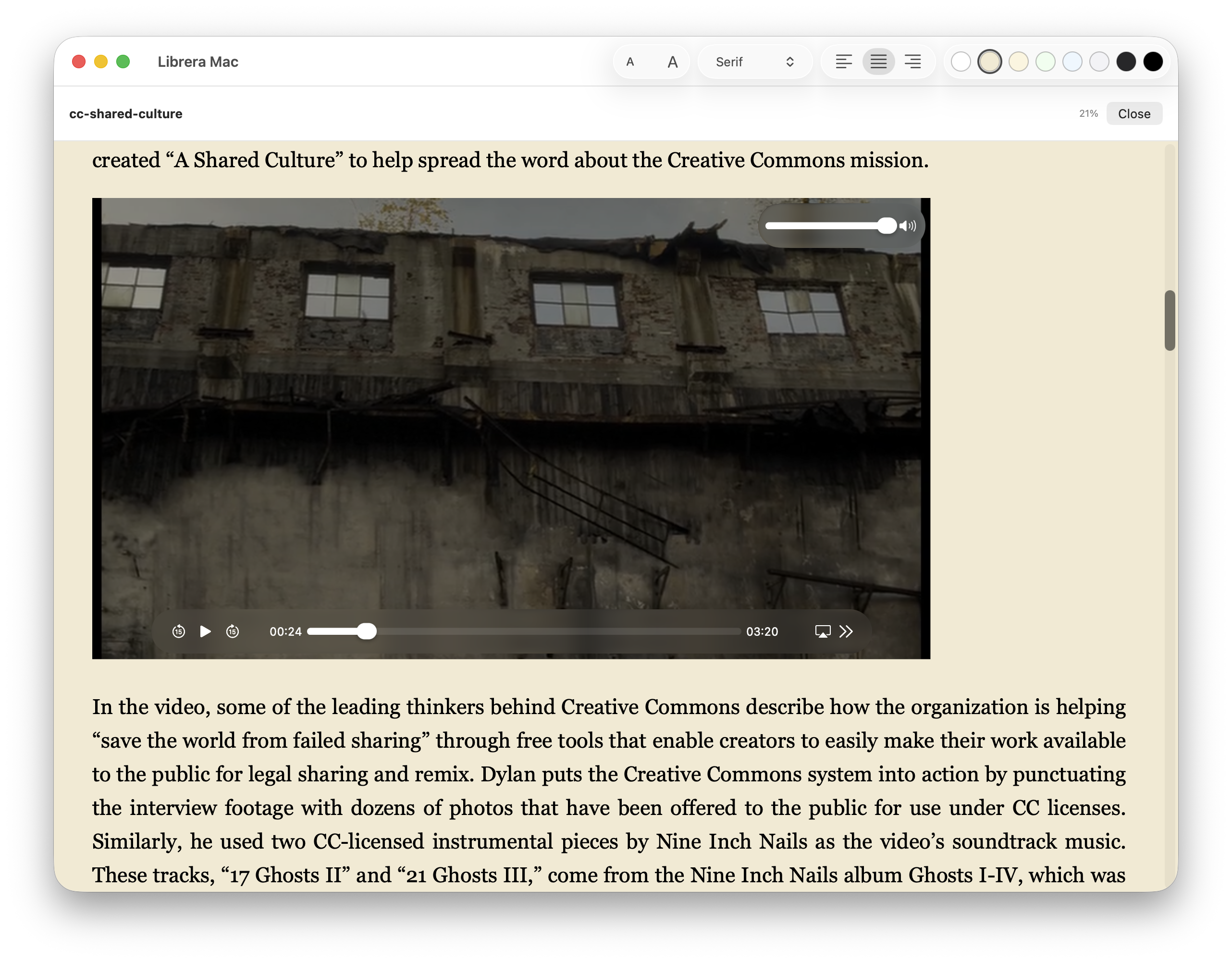
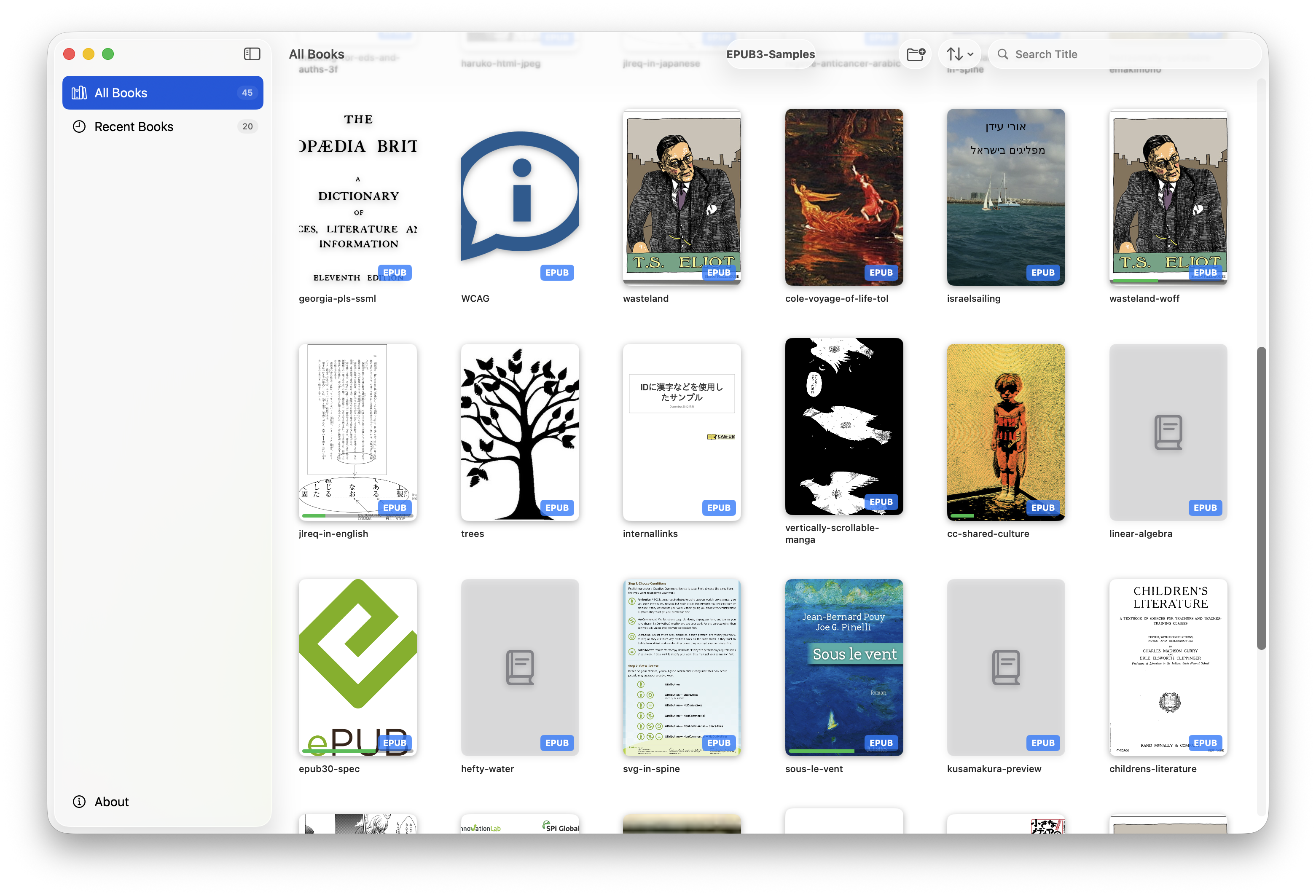
Librera for macOS, supports PDF, EPUB, FB2, CBZ, CBR (beta.librera.mobi for downloads)
♥︎♥︎♥︎ Support & Donation on Patreon ♥︎♥︎♥︎
Email: librera.reader@gmail.com
mesa-common-dev libxcursor-dev libxrandr-dev libxinerama-dev libglu1-mesa-dev libxi-dev pkg-config libgl-dev
You also need the Android NDK in version 20+ Please ensure to download it using android studio and add the NDK to your PATH.
Even if you do not plan to upload a version yourself you need a keystore with a certificate to build. The keystore needs to be in PKCS12 format. You can create a keystore in your actual directory using the following call (replace ALIAS by your alias, it is just a name):
keytool -genkey -v -storetype PKCS12 -keystore keystore.pkcs12 -alias ALIAS -keyalg RSA -keysize 2048 -validity 10000
Now edit or create the file ~/.gradle/gradle.properties and set following values (replacing PASSWD by the password you typed while creating the keystore, ALIAS as before and using the path to your keystore):
RELEASE_STORE_FILE=/PATH/TO/YOUR/keystore.pkcs12
RELEASE_STORE_PASSWORD=PASSWD
RELEASE_KEY_PASSWORD=PASSWD
RELEASE_KEY_ALIAS=ALIAS
To build with firebase support (all version but the ones for Fdroid) you need to get an authentication file for firebase services offered by google. Therefore please follow https://firebase.google.com/docs/android/setup to create your own project. You need to register for the packages com.foobnix.pdf.info and com.foobnix.pdf.reader.a1. This way you will get a google-services.json file that you have to place in the app folder of the repository.
For this project only Analytics is used, so a spakling plan is all you need.
cd Builder
./link_to_mupdf_x.x.x.sh (Change the paths to mupdf and jniLibs folders)
cd ..
./gradlew assembleLibrera
If you wish to build for F-Droid (e.g. not using google services, Internet) you can run the build with
cd Builder
./link_to_mupdf_x.x.x.sh
cd ..
./gradlew assembleFdroid
F-Droid build does also not need a google-services.json
MuPDF - (AGPL License) https://github.com/ArtifexSoftware/mupdf
- ebookdroid
- djvulibre
- hpx
- junrar
- glide
- libmobi
- commons-compress
- eventbus
- greendao
- jsoup
- juniversalchardet
- commons-compress
- okhttp3
- okhttp-digest
- okio
- rtfparserkit
- java-mammoth
- zip4j
Librera is distributed under the GPL
See the LICENSE file for license rights and limitations (GPL v.3).