This utility script helps you to backup Wordpress code and database.
You can either run the command manually or can automate it via cronjob.
You can simply download the script file and give the executable permission.
curl -0 https://raw.githubusercontent.com/MagePsycho/wordpress-db-code-backup-bash-script/master/src/wp-db-code-backup.sh -o wp-backup.sh
chmod +x wp-backup.sh
To make it system wide command
sudo mv wp-backup.sh /usr/local/bin/wp-backup
./wp-backup.sh --help
./wp-backup.sh --backup-db --src-dir=/path/to/wp/root --dest-dir=/path/to/destination
If you want to get rid of this message
Using a password on the command line interface can be insecure.
You can create a .my.cnf file in home directory with the following config
[client]
host=localhost
user=[your-db-user]
password=[your-db-pass]
And use option --use-mysql-config as
./wp-backup.sh --backup-db --use-mysql-config --src-dir=/path/to/wp/root --dest-dir=/path/to/destination
./wp-backup.sh --backup-code --skip-uploads --src-dir=/path/to/wp/root --dest-dir=/path/to/destination
- You can omit
--skip-uploadsoption if you want to includewp-content/uploadsfolder in backup archive
./wp-backup.sh --backup-db --backup-code --skip-uploads --src-dir=/path/to/wp/root --dest-dir=/path/to/destination
You can omit --src-dir option if you are running the script as system-wide command from root folder of wordpress
If you want to schedule via Cron, just add the following line in your Crontab entry crontab -e
0 0 * * * /path/to/wp-backup.sh --backup-db --backup-code --use-mysql-config --skip-uploads --src-dir=/path/to/wp/root --dest-dir=/path/to/destination > /dev/null 2>&1
0 0 * * * expression means the command will run run at every midnight.
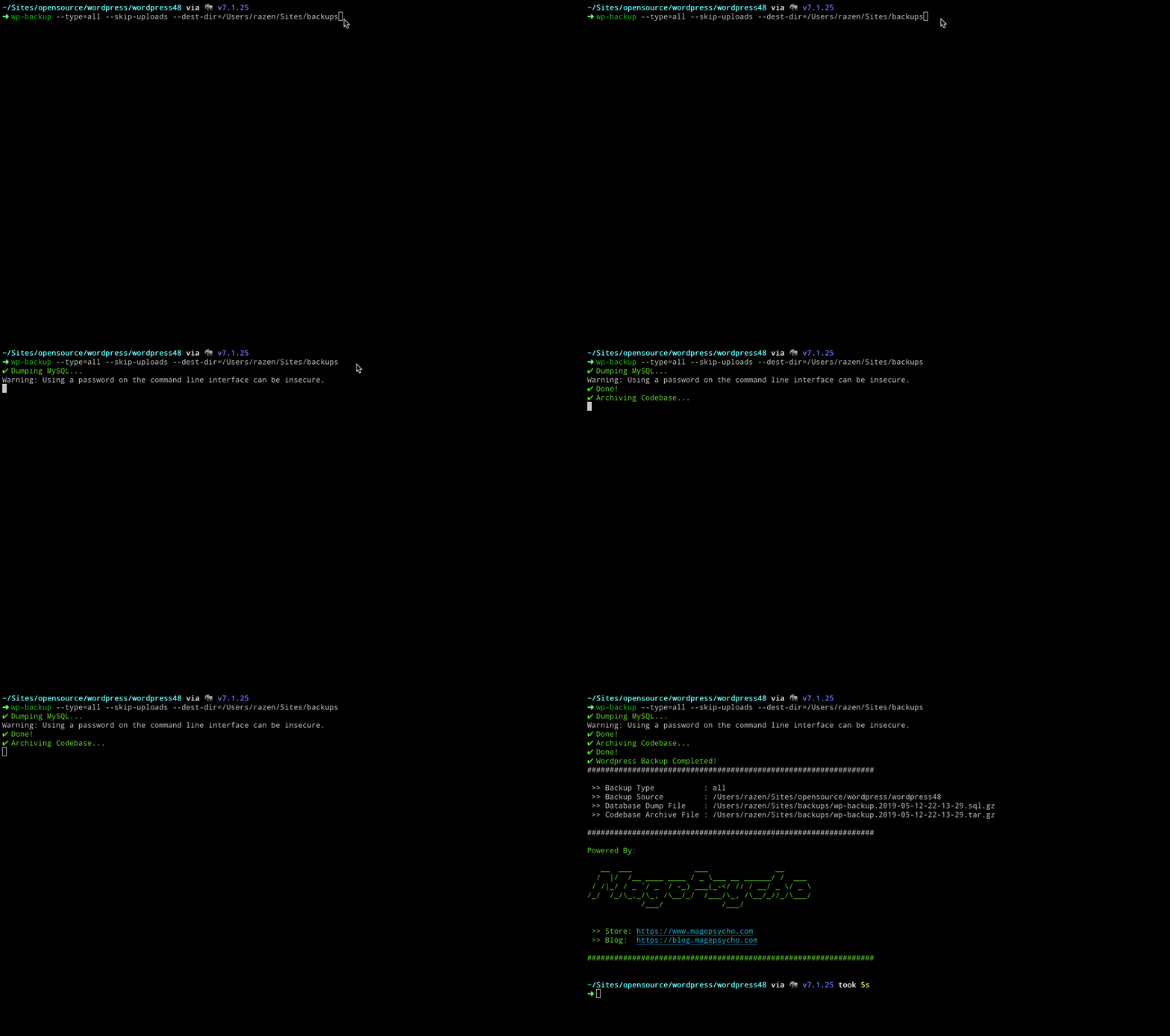 Wordpress backup script
- Rotation for backups
- Enable remote backups
- S3
- Google Drive
- Dropbox