Fork of https://github.com/lynchjames/obsidian-mind-map with support for exporting SVGs and modern versions of its dependencies.


This repository contains a plugin for Obsidian for viewing Markdown notes as Mind Maps using Markmap.
A similar plugin is available for Visual Studio Code.
- Preview your current note as a Mind Map
- Mind Map preview updates as you select other panes, similar to the Local Graph, Outline and Backlink panes
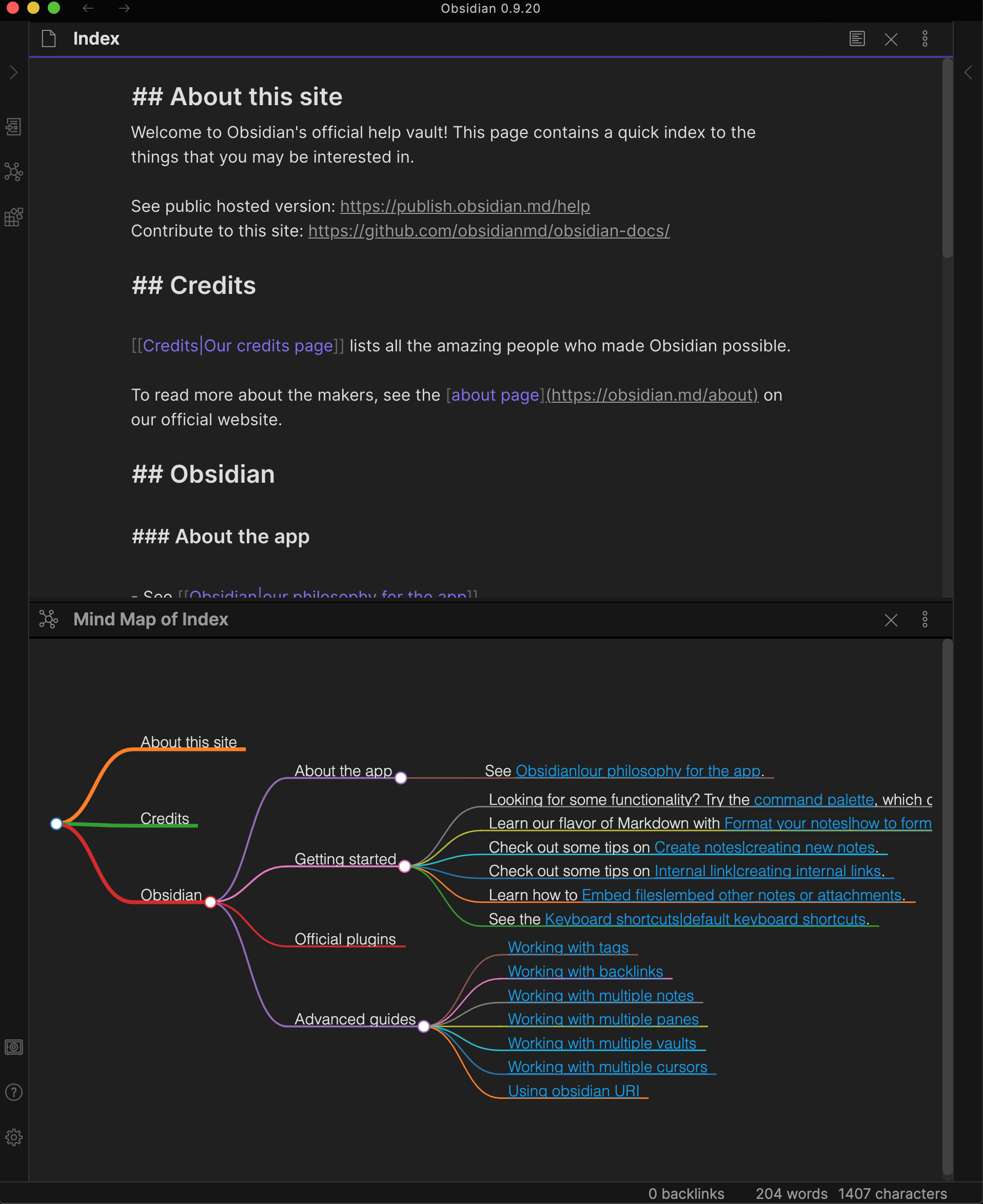
You can open the Mind Map preview for the current note with a command.

The Mind Map Preview view has 2 options from the "more options" menu:
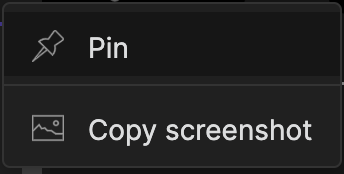
Allows you to pin the Mind Map preview pane to the current note so that you can select other notes with the current Mind Map remaining in place. A pin icon will appear in the header of the Mind Map preview pane. Click the pin icon to unpin.
Places a copy of the Mind Map PNG on your clipboard allowing you to paste it into a note in Obsidian or into an image editor of your choice.
Save a copy of the Mind Map SVG on to your local machine.
Custom plugins are only available for Obsidian v0.9.7+.
The current API of this repo targets Obsidian v0.15.0.
- Download the latest release
- Extract the obsidian-day-planner folder from the zip to your vault's plugins folder:
<vault>/.obsidian/plugins/Note: On some machines the.obsidianfolder may be hidden. On MacOS you should be able to pressCommand+Shift+Dotto show the folder in Finder. - Reload Obsidian
- If prompted about Safe Mode, you can disable safe mode and enable the plugin.
Pull requests are both welcome and appreciated. 😀
If you would like to contribute to the development of this plugin, please follow the guidelines provided in CONTRIBUTING.md.
This plugin is provided free of charge. If you would like to donate something to the original author, you can via PayPal. Thank you!