Home
Welcome to my app called Notes++ this app includes adding and deleting notes Reminders, (Photos (Work In Progress)) which is all saved and retrieved from your phone storage , It also includes weather integration which is linked with your GPS.
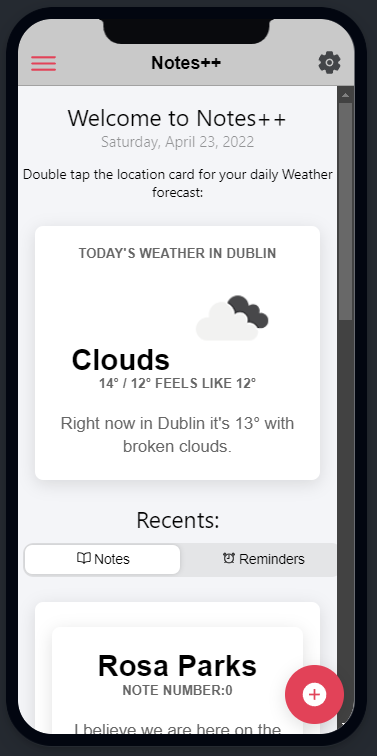
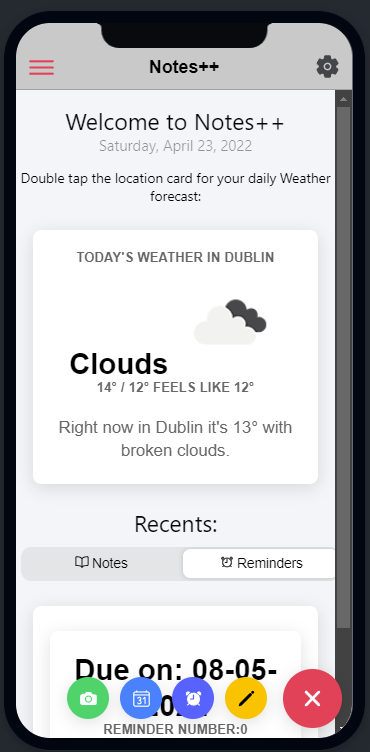
Here is the Page which the app opens on, here it shows you a you a brief Weather Forecast of the day and the Current Date. Double Tapping the Weather Card updates the location and weather if needed. Recent notes and reminders are also shown at the bottom of the page.
In the Second picture if you click the Hamburger menu on top left this opens the menu pop up where two options can either bring you to List Of Notes or List Of Reminders with how many Notes/reminders you have. In the bottom Left there is + Icon which opens all the add functionality where you can Add your Note,Add a Reminder, (Taking a picture - Work In Progress) and you can check the a Calender.
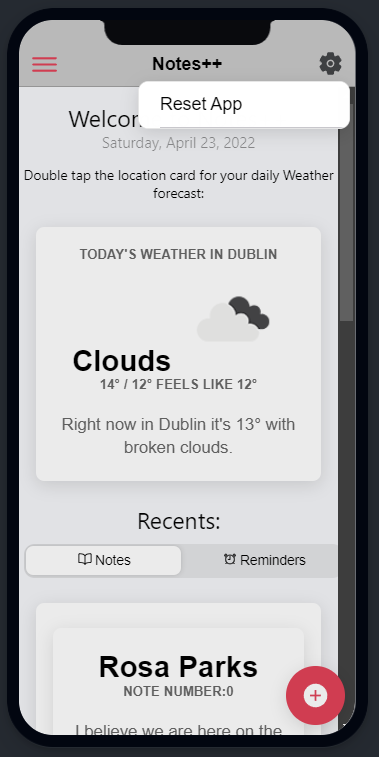
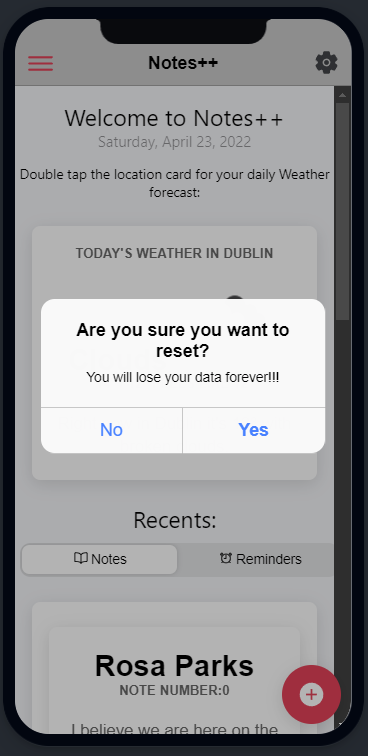
If you click the settings cog icon on the top right, this gives you the option to reset the app, and gives you a confirmation screen - This deletes all of your data from the app.