Add Reminder
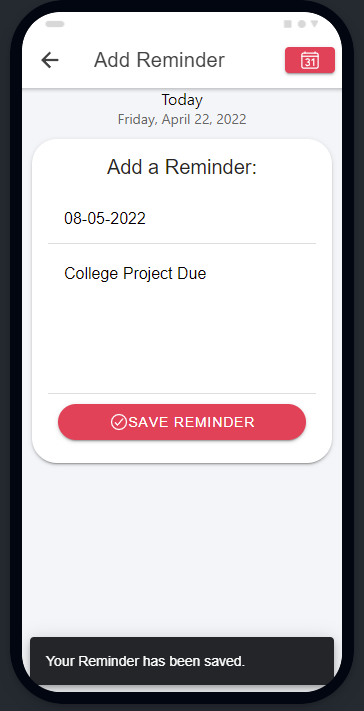
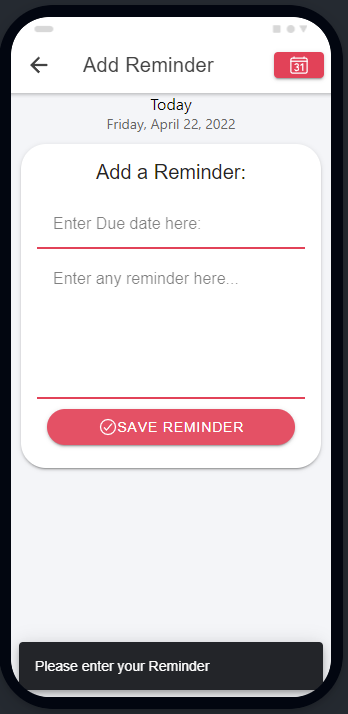
After you enter the Add Reminder page, You will be greeted with the date and two input boxes Which is a due date and the reminder, Clicking Save reminder will add your note to the app.
On the top Right is the Calendar page where you can see dates calendar information.
-Blank Inputs are invalid and users will receive feedback.